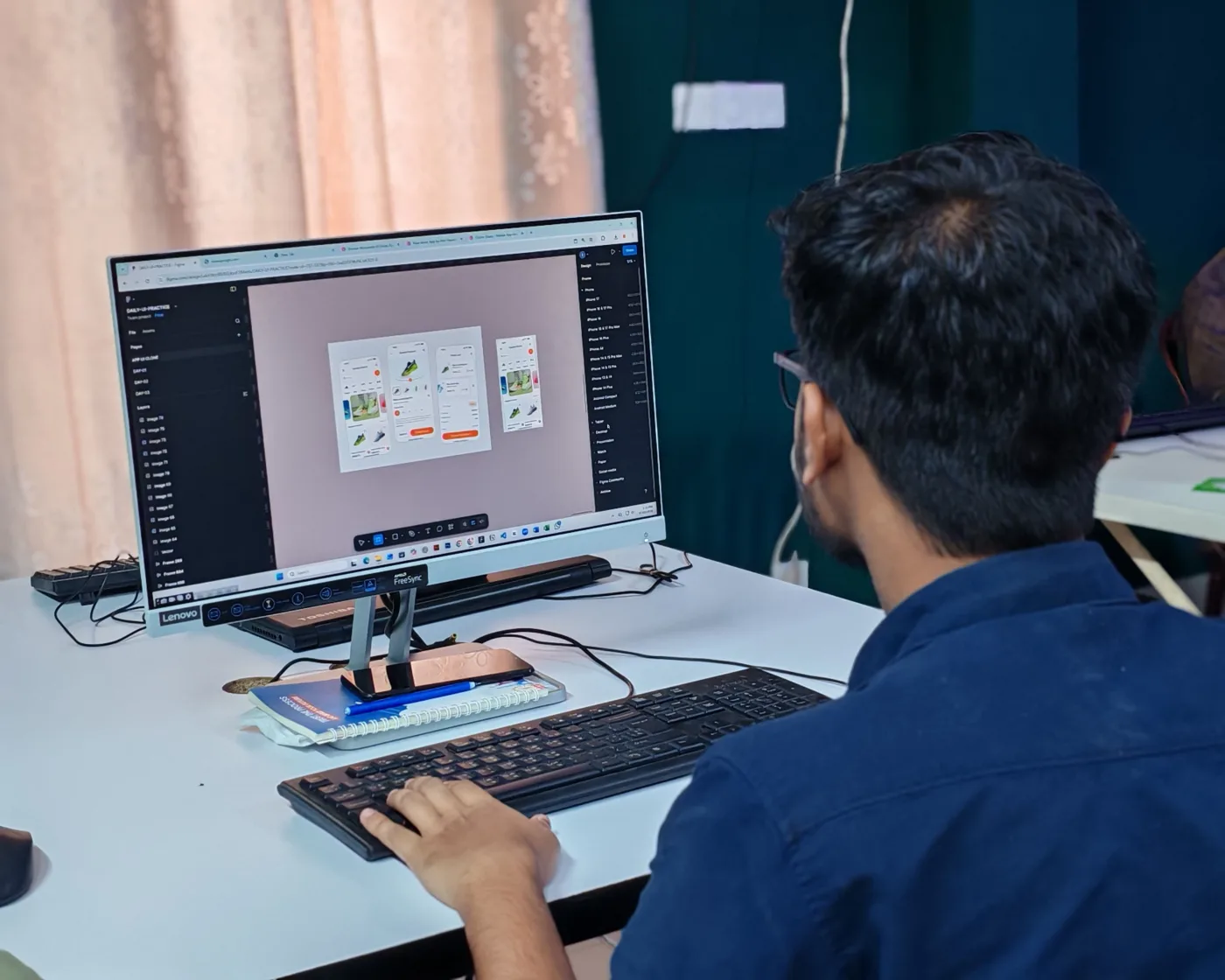
An invoice application is any tool, on a desktop, in a browser or on a phone, that lets you create, send, track and reconcile invoices without rebuilding each one from scratch. It turns invoicing from a formatting chore into a repeatable process: consistent documents, clear payment status and a record you can trust at tax time. This complete guide explains what an invoice application is, the difference between desktop, web and mobile types, the core features that matter, and how to set one up and run it end to end, from creating a bill to reconciling the payment. It also covers security, accounting integrations, and the point at which a growing business needs to connect invoicing to procurement and accounts payable, where ProcureWave fits.
Key takeaways
- An invoice application creates, sends, tracks and reconciles bills, replacing manual documents with a repeatable process.
- Desktop, web and mobile types suit different moments; real-time sync between them matters more than the platform itself.
- Setting one up well means loading your details, clients, tax rates and numbering once, then reusing them on every invoice.
- As you scale and start handling supplier bills, a procurement-connected accounts payable platform picks up where a sell-side application stops.
What is an invoice application
An invoice is a commercial document that records what a seller supplied to a buyer and how much is owed. An invoice application is software that produces and manages those documents for you. You store your business details once, add a client and a few line items with quantities and prices, and the application assembles a clean, numbered bill you can send in seconds. The immediate appeal is speed and consistency: the tool already knows which fields belong on a professional invoice, keeps your numbering in sequence, and gives every document the same tidy layout.
The word application matters, because it signals more than a one-off document maker. An invoice application manages the whole life of each bill. It records when an invoice was sent, whether it has been viewed, and when it is paid or overdue. Many let a customer pay directly through a link on the invoice, and most can chase late payers automatically so you are not doing it from memory. In short, it is a lightweight system for the entire getting-paid cycle rather than a template you fill in. If your interest is narrower and you mostly want the document itself, our invoice generator guide focuses on how the document is assembled, while our broader invoicing guide sets the whole process in context.
It also helps to be clear about what an invoice application is not. It is a sell-side tool, aimed at billing the people who buy from you. It is not built to manage the invoices you receive from your own suppliers, nor the orders and approvals behind them. That distinction is quiet at first and important later, and we return to it once the fundamentals are covered.
Desktop, web and mobile: the three types
Invoice applications come in three broad shapes, and the differences are about where and how you work rather than which is objectively best. A desktop application is installed on a single computer and stores data locally. It can be fast and works without a connection, but it ties your records to one machine and puts backups and updates in your hands. Web applications run in a browser, keep your data in the cloud, and are reachable from any device with a login. Mobile applications live on a phone or tablet and are built for invoicing on the move, the moment a job finishes or a client agrees a price.
In practice most modern tools are cloud-based and offer web and mobile together, with the desktop role increasingly filled by a browser on a large screen. Mobile shines when you invoice on site: a tradesperson billing as the work ends, a consultant raising an invoice from a client's office, a market trader taking a card payment on the spot. Web and desktop win for heavier work, where a bigger screen makes it easier to review a long invoice, manage a client list, reconcile payments and read reports.
Prioritise sync over platform. The real question is rarely desktop, web or mobile, but whether the application keeps all your devices perfectly in step. A tool that syncs cleanly lets you invoice wherever you happen to be and manage wherever it is comfortable. One that treats mobile as a cut-down afterthought will frustrate you the first time a payment shows on one device but not another.
Core features that matter
Feature lists are long and mostly identical, so focus on the handful that change how quickly you get paid and how little admin you carry. When you compare applications, weight these areas heavily and treat pretty templates as table stakes rather than a differentiator:
- Create and send. Fast, branded documents with unique sequential numbering, shareable as a link or PDF.
- Payment collection. A pay-now option on the invoice, ideally card and bank transfer, so customers settle without leaving the document.
- Automatic reminders. Scheduled nudges before and after the due date, so chasing overdue payment is not a manual chore.
- Tax handling. Correct rates applied to the right lines, support for multiple rates, and clean value-added tax treatment where you trade.
- Reusable data. Saved clients and items, plus scheduled recurring invoices for retainers and subscriptions.
- Reports and records. A clear view of what is paid, outstanding and overdue, with exports for your accountant and a full audit trail.
Notice that most of these describe what happens after you press send. Creating a good-looking invoice is the easy part, and almost every application does it well. The value sits in payment, reminders and records, because that is where the time and the missed cash actually hide. A tool that is strong on the document but weak on the follow-through will still leave you chasing payment from memory.
Setting one up: the foundations
Getting an invoice application working well is mostly a matter of loading the right foundations once, so that every future invoice reuses them rather than repeating the work. Spend an hour on setup and you save minutes on every bill afterwards. Four foundations do most of the work.
Business profile
Your legal name, address, logo, tax registration and payment details. These appear on every invoice, so entering them once keeps each document correct and consistent.
Clients and items
Save the customers you bill and the products or services you sell, with default prices. Reusing saved records removes re-typing and the errors that come with it.
Tax and currency
Set the tax rates you charge, your default currency, and any regional rules. The application then applies the right rate to the right line automatically.
Numbering and terms
Choose a numbering scheme and default payment terms, such as due in fourteen days. Sequential numbers keep your records clean and your accountant happy.
With those foundations in place, connect your payment and accounting options if the application supports them, and set your reminder schedule so overdue chasing runs on its own. From here the application does the remembering for you, and raising an invoice becomes a matter of choosing a client and a few lines rather than rebuilding a document each time.
Using it end to end: create, send, track, reconcile
Once set up, the day-to-day rhythm of an invoice application follows the same four stages every time. The table below lays out what you do at each stage and what the application should be doing alongside you, so you can judge whether a given tool covers the full cycle rather than just the first step.
| Stage | What you do | What the application does |
|---|---|---|
| Create | Pick a saved client, add line items and quantities | Applies tax, assigns the next number, calculates totals |
| Send | Review and dispatch by email or shareable link | Records the send, timestamps it and offers a pay-now option |
| Track | Check the dashboard for viewed, due and overdue bills | Sends automatic reminders and flags anything late |
| Reconcile | Confirm a payment against the invoice | Marks it paid, updates reports and stores the audit trail |
The stages worth dwelling on are tracking and reconciling, because they are where standalone tools differ most. Reconciliation, matching money received against the invoice that requested it, is what turns a folder of documents into a reliable picture of who owes you what. A good application closes each invoice off the moment it is paid, so your outstanding list is always accurate and your reports at month end need no manual tidying. If any of these four stages feels clumsy in a tool you are trialling, that is the stage that will quietly cost you time later, so run a real invoice through the whole cycle before you commit.
Security, data and where it lives
Invoices are sensitive records. They hold customer names, addresses, tax numbers and often bank details, so the way an application protects that data deserves as much attention as its features. With a cloud tool your records sit on the provider's servers, which is a strength when it is done well: automatic backups, no lost laptop taking your invoices with it, and access from anywhere. It is only a risk when the provider is vague about how the data is handled.
Look for a few concrete safeguards. Data should be encrypted both in transit and at rest, so it cannot be read if intercepted or if a disk is compromised. Backups should be automatic and frequent, so a mistake or outage does not erase your history. Access controls should let you decide who can view or edit records, which matters the moment more than one person touches invoicing. It is also worth knowing which region your data is stored in, since that affects the privacy and tax rules that apply. A desktop application avoids the cloud question but shifts the whole burden onto you: if you do not back up that one machine, a failure can wipe your records entirely.
Integrations with accounting and payments
An invoice application rarely lives alone, and its value multiplies when it connects to the other tools you already run. The most important link is accounting. When your invoices flow straight into your bookkeeping, revenue, tax and outstanding balances update without anyone copying figures across, and your accountant works from one consistent set of numbers. Re-keying between an invoicing tool and a separate ledger is not just slow; it is where errors creep in and reconciliations drift.
Payment integrations are the second link that pays for itself quickly, letting customers settle directly from the invoice and marking it paid automatically. Beyond those, watch for connections to the systems you expect to grow into. Support for structured formats such as electronic invoicing is increasingly a requirement rather than a nicety, as more tax authorities move towards it. If you want a wider view of the tools in this space and how they compare on integrations, our roundup of the best invoice app options is a useful companion to this guide.
When to connect invoicing to procurement
Everything so far has been sell-side: an application that helps you bill your customers. As a business grows, a second and larger problem appears on the other side of the ledger, the invoices you receive from your own suppliers. That is the world of accounts payable, and a sell-side invoice application is not built for it. Here the real work is not creating documents; it is matching each supplier invoice to the order that authorised it and the goods that were received, routing it for approval, and paying it once and on time without paying it twice.
A standalone invoice application has no knowledge of your purchase orders or approvals, so it cannot help with any of that. If you find yourself copying figures from a supplier invoice into another system, chasing sign-off by email, or unable to answer quickly whether a bill was authorised, you have reached the edge of what a sell-side tool can do. That is where a procurement platform earns its place. Instead of a supplier invoice arriving in isolation, it becomes the final step in a chain that began with a purchase request, was approved, and had the goods or services received against it. ProcureWave connects that flow, so a bill moves from order to receipt to payment without anyone re-keying it, and every step leaves an audit trail.
None of this means abandoning a good invoice application. Keep billing your customers with whichever sell-side tool fits your needs, and use this guide to set it up and run it well. But when the invoices you receive start tying into orders, approvals and payment, a procurement-connected platform does work no invoice application can. To see how ProcureWave would handle the buy-side of your invoicing, get in touch and we will walk you through it on your own process.
Frequently asked questions
What is an invoice application?
An invoice application is software that helps you create, send, track and reconcile the bills you raise for customers. Instead of formatting a document by hand, you pick a client, add line items and the app assembles a numbered, professional invoice you can email or share as a link. Most also record payment status, send reminders and keep a running history so you always know what is outstanding.
Is an invoice application the same as an invoice generator?
They overlap but are not identical. A generator focuses on producing the document itself, often as a one-off PDF, while an application manages the whole cycle around that document: clients, payment tracking, reminders and records over time. If you mainly need the document mechanics, our invoice generator guide covers that side in detail.
Do I need a desktop, web or mobile invoice application?
It depends on where you work. Mobile suits billing on site or the moment a job finishes; web and desktop suit batch work, reconciliation and reporting on a larger screen. The strongest tools sync all three in real time, so the platform matters less than whether every device stays in step.
How secure is the data in an invoice application?
Reputable cloud invoice applications encrypt data in transit and at rest, back it up automatically and let you control who can see or edit records. Because invoices hold customer names, tax numbers and bank details, treat security as a core requirement rather than a bonus feature, and check where your data is stored and who can access it.
When should I move beyond a standalone invoice application?
When invoicing stops being a self-contained task and starts tying into purchase orders, approvals and supplier payments. Once you are matching bills you receive to orders, routing them for sign-off or re-keying figures between systems, a procurement-connected accounts payable platform does work a sell-side application cannot.
Want to see this in your own numbers?
Book a tailored demo and we will show ProcureWave running on scenarios that match your business.
Get in touch