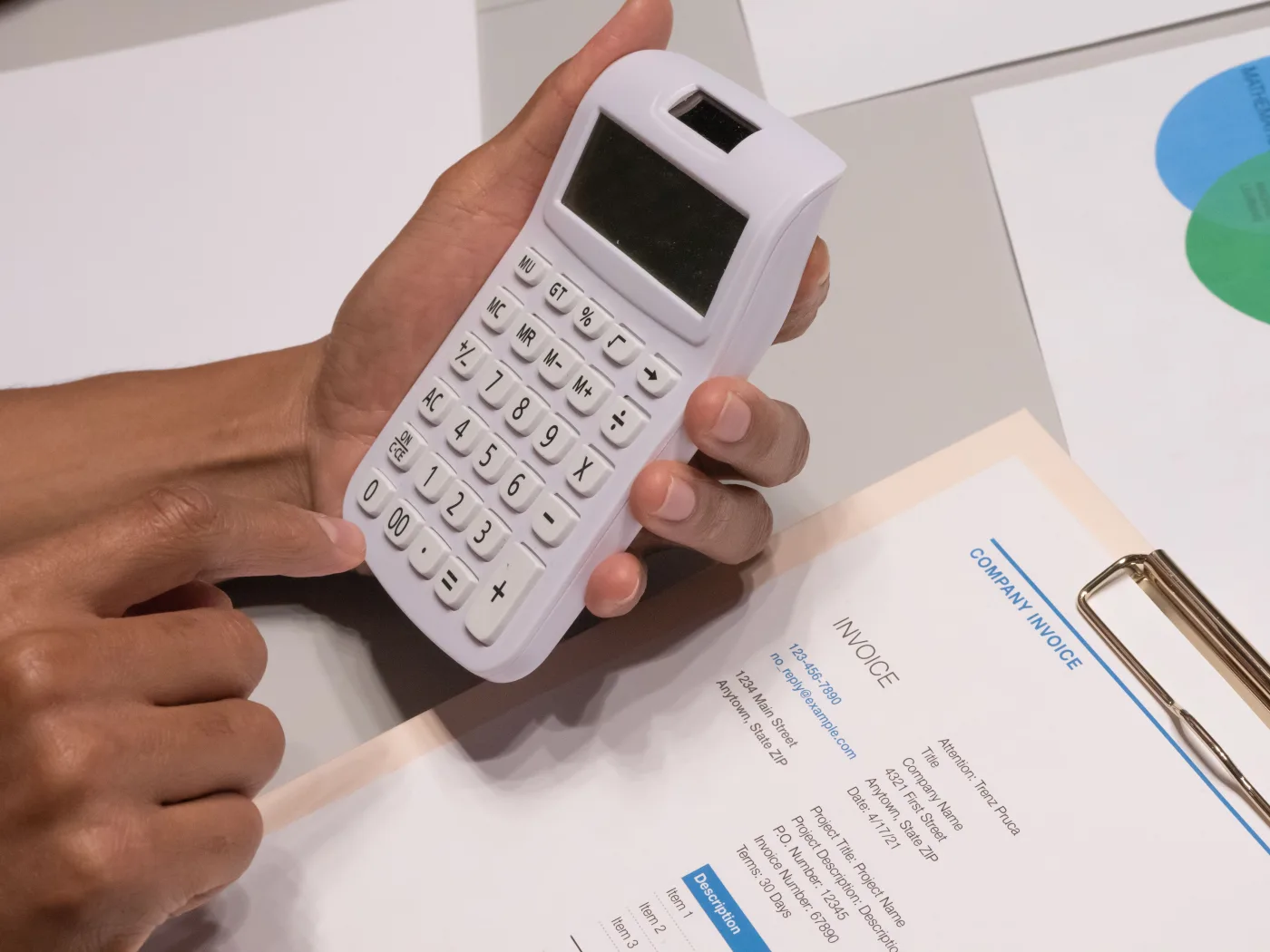
A quotation maker is any tool or template that turns a handful of details, the customer, the items and the prices, into a clean, professional quotation you can send with confidence. This guide is practical rather than theoretical. It explains what a quotation actually is and how it differs from an invoice and an estimate, what a quotation maker does, and how to write a professional quote step by step. It gives you a copyable template structure, worked examples for different kinds of business, and the detail that trips people up: terms, validity and turning an accepted quote into an order. It also covers the buyer side, where you request quotes from several suppliers through an RFQ so you can compare like for like.
Key takeaways
- A quotation is a priced offer made before any work happens, which is what separates it from an invoice and an estimate.
- A quotation maker enforces a consistent structure, so every quote carries the fields a buyer and your records need.
- Validity dates and clear terms are not optional extras; they protect you when prices move or acceptance is slow.
- On the buyer side, a well-written RFQ produces comparable quotes and turns cleanly into a purchase order.
What a quotation is, and how it differs from an invoice and an estimate
A quotation is a formal offer to supply goods or services at a stated price. It sets out what you would provide, in what quantity, at what cost, and on what terms, so the buyer can decide whether to go ahead. Crucially, a quotation is issued before any work is done. It is a commitment to a price, not a request for money, and that single fact is what separates it from the two documents people most often confuse it with.
An invoice sits at the opposite end of the same transaction. Where a quotation is an offer made up front, an invoice is a demand for payment issued after you have delivered. The quotation says "here is what it would cost"; the invoice says "here is what you now owe". Many businesses raise both against the same job, with the accepted quotation defining the price that the eventual invoice then bills. An estimate is different again. It is only an approximate figure, a considered guess at the likely cost, and it is not meant to be held to exactly. Builders and tradespeople often give an estimate when the final scope is genuinely uncertain, then firm it up into a quotation once the details are settled.
The practical rule is simple. Use an estimate when you cannot yet commit to a price, a quotation when you can, and an invoice once the work is done and payment is due. Getting the label right matters, because a buyer treats each document differently. A quotation they can accept and hold you to; an estimate they read as a guide; an invoice they pay.
What a quotation maker does
A quotation maker is anything that helps you produce that offer without building it from a blank page every time. That covers a broad range of tools. At the simplest end sits a spreadsheet or word-processor template you fill in by hand. In the middle sit single-purpose web forms that lay out the fields and total the figures for you. At the fuller end, quoting is a feature inside a sales, accounting or procurement system that remembers your customers, prices and past quotes.
Whatever the format, the core value is the same: it removes guesswork. A good template already knows which fields belong on a professional quotation, so you are not left wondering whether you have missed something the buyer will ask about. It applies the same layout every time, which makes your business look organised and considered. And it gives you a running start that beats a blank document. For many small businesses and sole traders, a well-built template is genuinely all they need.
The limits show up as volume grows. A plain template does not remember your customers, so you re-type their details. It does not keep your quote numbers in sequence, so a broken run is only one distracted afternoon away. And it has no idea whether a quote was accepted, so tracking what is outstanding falls to memory or a side spreadsheet. Those are exactly the gaps a connected tool closes, and the point at which a maker stops being a document and starts being part of a system.
How to create a professional quotation, step by step
Whatever tool you choose, a professional quotation follows the same predictable path. Working through it in order the first time saves awkward corrections later, so build each quote like this:
- Add your details. Business name, address, contact information and tax registration number if you have one.
- Add the customer. Their legal name and address, exactly as they need it for their own records.
- Assign a number and date. A unique quotation number and the date you issued it, so both sides can reference it later.
- List the line items. A clear description, quantity and unit price for every item or service you would supply.
- Apply tax. The correct rate on the correct lines, shown separately from the net amount.
- State the total and validity. The full price, and the date until which that price holds good.
- Add your terms. Payment terms, lead time, and any conditions or exclusions the buyer should know before accepting.
- Review and send. Check the arithmetic and the specification, deliver it to the right contact, and keep a copy in sequence.
The discipline that makes quotations look professional is not the template you picked; it is the consistency you apply. Same numbering, same layout, same clear terms, every single time. A template enforces part of that for you, but you still have to keep the numbers in order and the records tidy. That manual burden is precisely what a more capable tool lifts as you grow.
A copyable quotation template structure
You do not need an elaborate design to look professional. You need every required field, laid out clearly, in a predictable order. The structure below is one you can copy into a spreadsheet, a document or any quotation maker and reuse for every offer. It is deliberately plain, because a clear quotation is easier to accept than a decorated one.
| Section | What goes here | Example |
|---|---|---|
| Header | Your business name, logo, address and tax number | Meridian Supplies Ltd, VAT GB123456789 |
| Quotation reference | Unique number and issue date | QT-2026-041, issued 18 Jul |
| Quote for | Customer legal name and address | Acme Trading Co, 12 High Street |
| Line items | Description, quantity, unit price, line total | Steel shelving unit, 6, 140, 840 |
| Subtotal | Sum of all line totals before tax | 840.00 |
| Tax | Rate and amount, shown separately | VAT 20 percent, 168.00 |
| Total | Subtotal plus tax, the price offered | 1,008.00 |
| Validity | Date until which the price holds | Valid until 18 Aug 2026 |
| Terms | Payment terms, lead time, exclusions | Payment within 30 days, 2 week lead time |
Copy that skeleton once and you have a reusable template. The only rows that change between quotes are the reference, the customer and the line items; everything else is boilerplate you set up a single time. Notice how closely this mirrors an invoice layout, with two important additions unique to a quotation: the validity date and the terms that govern acceptance.
Real examples across different businesses
The template above works for anyone, but what you put in the line items changes with the kind of work you do. Here are four common scenarios and how each fills the same structure.
Wholesaler, product quote
A supplier prices each product as its own line with a real quantity: "Steel shelving unit, 6 at 140, 840" and "Fixing kit, 6 at 9, 54". Quantities and unit prices carry all the detail.
Consultant, service quote
A consultant quotes a fixed deliverable, "Process review, 1, 2,400", or time, "Advisory, 20 hours at 95, 1,900". Describe the outcome, not just the category, so the buyer knows what they are accepting.
Contractor, mixed quote
A contractor splits labour from materials: "Installation labour, 12 hours at 45, 540" plus "Materials, 1, 320". Separating the two makes the offer transparent and easy to compare.
Recurring supply
An ongoing arrangement quotes a fixed periodic price, "Monthly cleaning contract, 12 months at 350, 4,200", with the validity and renewal terms spelled out clearly.
Notice that the difference between a service quotation and a product quotation lives entirely in the line items. A service quote tends to price time or a fixed deliverable, while a product quote prices quantities at unit rates. The header, the tax treatment, the total, the validity and the terms stay identical. That is the whole point of a good template: the structure is fixed, so only the specifics of each job change.
Terms and validity: the part people skip
The fields that most often get left off a quotation are the two that protect you most: the validity date and the terms. A validity date states how long your price holds good. Without it, a buyer could accept a quote you sent six months ago, at prices that have since risen, and reasonably expect you to honour it. With it, you set a clear window, after which the quote lapses and you are free to reprice.
Always state a validity date, and always state your terms. A quotation without a validity date is an open-ended promise on a price you no longer control. A quotation without terms leaves lead time, payment and exclusions to assumption, which is where disputes begin. Two extra lines, "Valid until [date]" and a short terms note, close both gaps and cost you nothing.
Terms cover everything the buyer needs to know before accepting: when payment is due, how long delivery will take, what is included, and just as importantly what is not. Exclusions are worth spelling out plainly. If your price assumes the customer provides access, or excludes delivery beyond a certain distance, say so in the quote rather than arguing about it later. Clear terms are not defensive box-ticking; they set the buyer's expectations correctly and make an accepted quote easy to fulfil without surprises on either side.
Converting a quotation into an order
A quotation only earns its keep when the buyer accepts it, and what happens at that moment matters. When a customer agrees to a quote, it becomes the reference for everything that follows. On the buyer's side, that acceptance typically takes the form of a purchase order, a document that formally commits them to buy at the quoted price and terms. The purchase order should point back to your quotation number, so both parties are working from the same figures.
This is the handover from selling to procurement. The accepted quotation defines the price, the purchase order authorises the spend, the goods or services are delivered against it, and only then does an invoice bill what was agreed. When those documents reference one another cleanly, from quote to order to receipt to invoice, reconciliation is straightforward and disputes are rare. When they do not, someone ends up copying figures between systems and hoping they match. Keeping a quote number on every downstream document is a small habit that prevents a great deal of later confusion.
The buyer side: requesting quotes with an RFQ
So far this guide has looked at writing quotations. The other half of the picture is asking for them. When you are the buyer and you want the best price for a defined need, you issue a request for quotation, or RFQ. This is a document that describes exactly what you need, with quantities and specifications, sent to several suppliers at once so they each price the same thing.
The discipline that makes an RFQ work is keeping the request identical for every supplier. If each vendor prices a slightly different specification, the quotes that come back are not comparable and you are left guessing. A well-structured RFQ removes that ambiguity, so the numbers you receive can be lined up side by side and judged on price, lead time and terms. Our guide to the RFQ process explains how it fits into wider purchasing, and our RFQ request guide walks through writing a request that gets useful, comparable replies.
Once the quotes are in and you have chosen a supplier, you are back at the handover described above: the winning quotation becomes a purchase order, and the transaction moves into fulfilment. Managing that whole loop by email and spreadsheet works at low volume, but it strains as the number of suppliers and quotes grows. This is where a procurement platform earns its place. ProcureWave keeps requests, returned quotations and purchase orders together, so comparing offers and converting the chosen one into an order happens in one place with a clear audit trail behind it.
None of this means you should abandon a simple quotation maker before you need to. If a template covers your quoting today, keep using it, and copy the structure in this guide to keep every quote consistent. But when quoting becomes a volume task tied to requests, orders and payment, a connected platform is the natural next step. To see how ProcureWave would handle your quotations and RFQs, get in touch and we will walk you through it on your own process.
Frequently asked questions
What is a quotation maker?
A quotation maker is any tool or template that helps you turn a few details, the customer, the items and the prices, into a professional quotation ready to send. It can be a downloadable spreadsheet, a fill-in web form, or a quoting feature inside a wider sales or procurement system. Whatever the format, the job is the same: hand the buyer a clear, priced offer they can accept.
What is the difference between a quotation and an invoice?
A quotation is an offer made before any work happens; it states what you would supply and at what price. An invoice is a demand for payment issued after you have supplied the goods or services. The quotation comes first and is not a request for money, while the invoice comes last and is. If you also raise invoices, our invoice generator guide covers that side in detail.
Is a quotation legally binding?
Once a buyer accepts a quotation within its validity period, it usually forms the basis of a binding agreement on the price and scope stated. That is why a validity date and clear terms matter so much. An estimate, by contrast, is only an approximate guide and is not meant to be held to the penny.
How do I request a quotation from suppliers?
You send a request for quotation, or RFQ, that lists exactly what you need with quantities and specifications, then invite several suppliers to price it. Keeping the request identical for every supplier is what makes the returned quotes comparable. Our RFQ request guide walks through writing one that gets useful replies.
What should a quotation always include?
A professional quotation should carry your business details, a unique quote number and date, the customer, itemised lines with quantities and unit prices, any tax, the total, a validity date, and your terms. Miss the validity date or the terms and you leave yourself exposed if prices move or the buyer accepts months later.
Want to see this in your own numbers?
Book a tailored demo and we will show ProcureWave running on scenarios that match your business.
Get in touch